

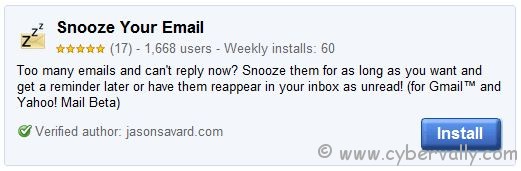
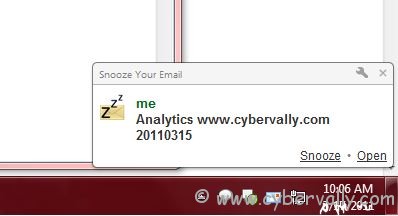
Sometime when you are too busy to respond to your emails and also it is an important email too. Snooze them for as long as you want and get a reminder later or have them reappear in your inbox as unread. Â Snooze Your Email is a powerful Chrome extension that helps you to manage your incoming mails. It basically snooze emails to be reminded later as a desktop notification. You can enable/disable the desktop notification from Snooze Your Email configurations. You can also set the notification time length to 30 minutes and ignore the past snooze while setting new reminders.
How to Setup Snooze Email
1. Download and install plugin.
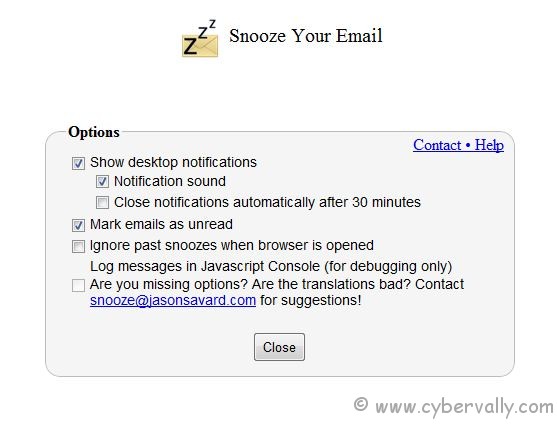
2. Configure Snooze Your Email from tools -> extension – desktop notification, notification time length can be set to 30 minutes and past snooze can be ignored.
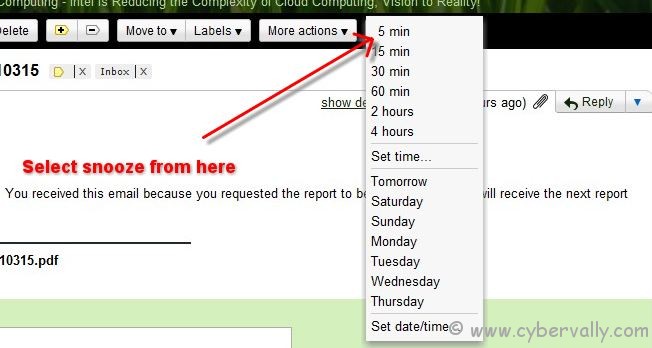
3. Open an email and click on the Snooze button next to More options, to set a reminder for the email.
4. This will automatically displays a reminder at the set time on your desktop.
5. This extension works only with Gmail and Google chrome.
If you’re a Facebook user and want to keep up on the latest Technology news why don’t you join the CyberVally Facebook page?
If you enjoyed reading this post, please consider leaving a comment below or subscribing to the feed


1 Comment