

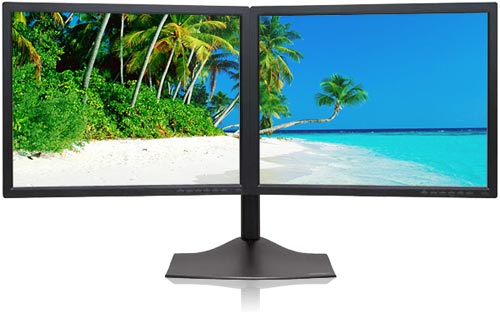
If you are one of those who works with multiple screens and finds it tough to work on a single monitor, this setup will help you configure multiple monitors for your windows 7 laptop. You can work in multiple windows with the help of two monitors.
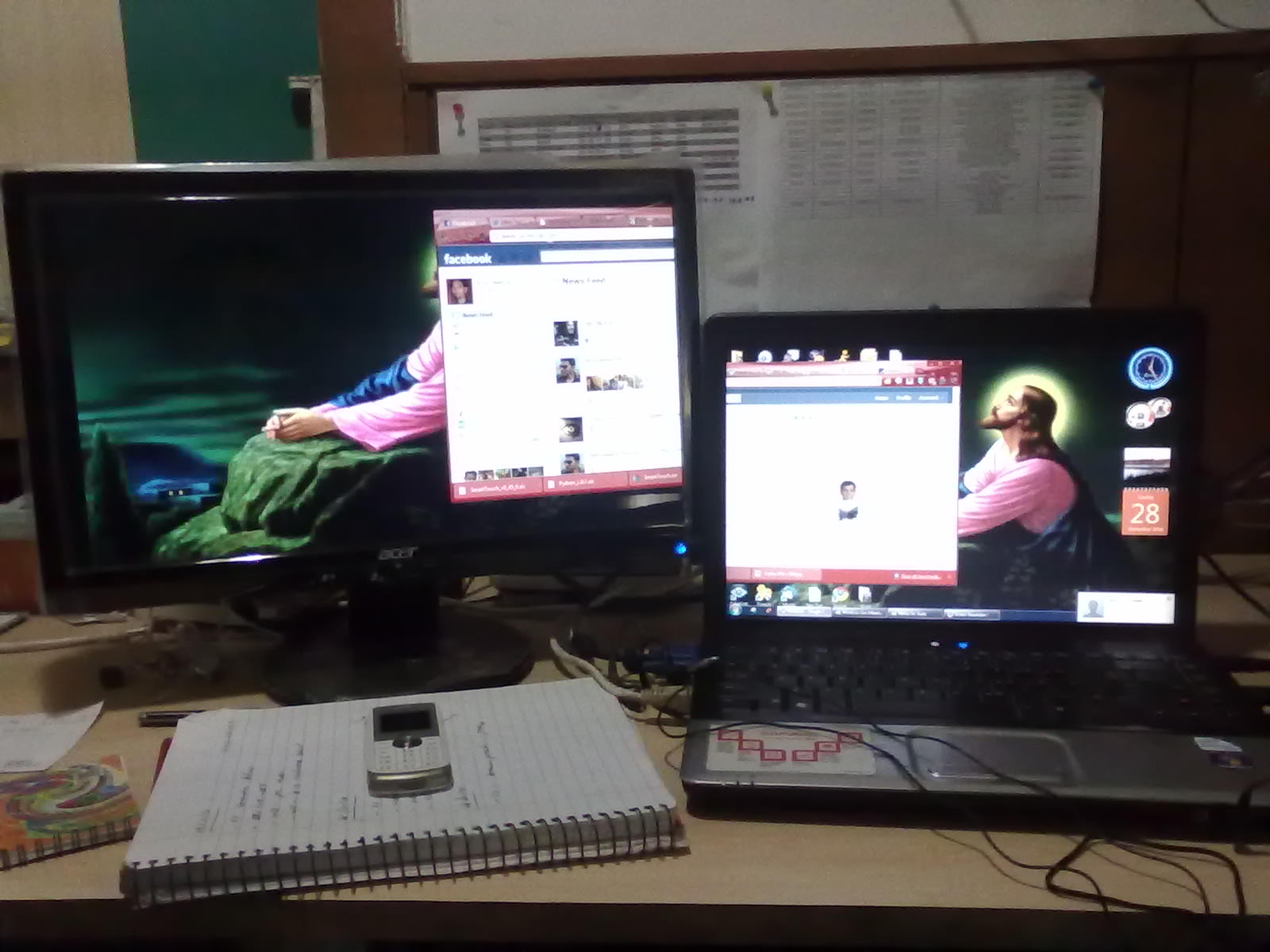
How to Setup Multiple Screen
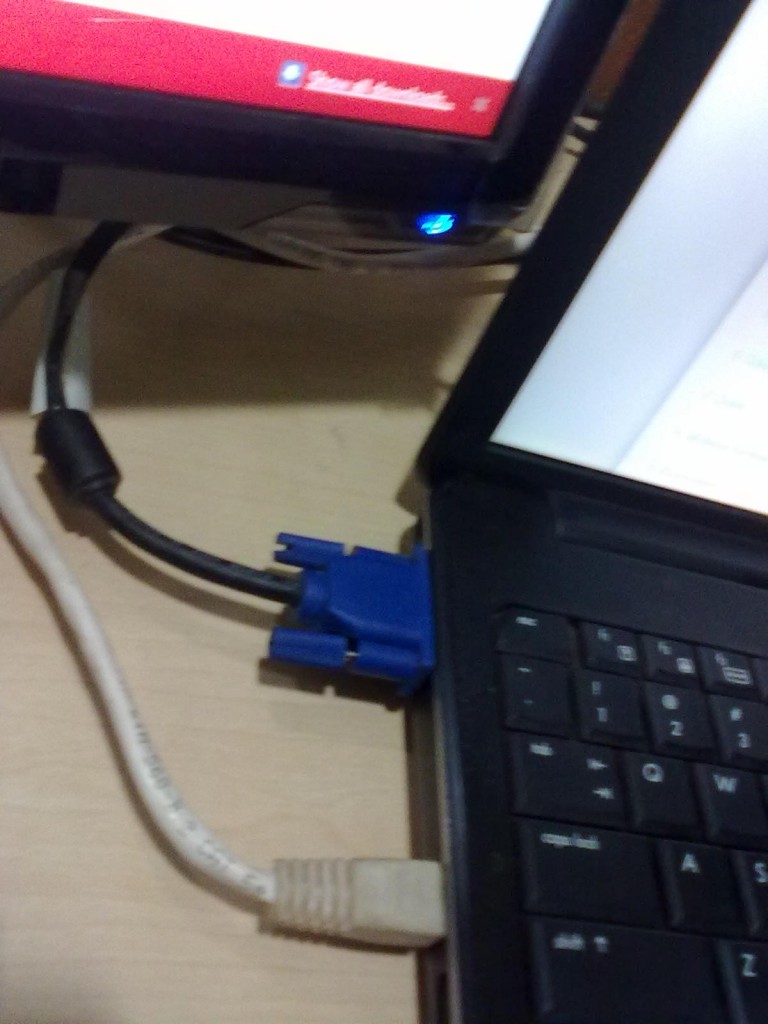
- Setup  another monitor and connect the input cable of the monitor to your VGA card output of your Laptop.
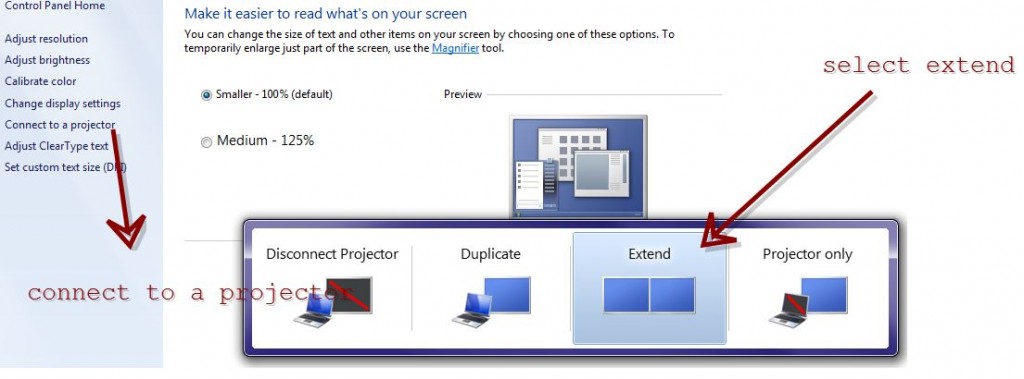
- Now, Go to control panel and select display -> Connect to projector and select extend.
- Click on Apply and press OK. Now you are ready to work with your Two monitors.
- Simply press the Windows key and P (Windows + P) to bring up a quick menu of options.
You can also change the orientation of the displays and change the resolution of each display in display settings window. It is very useful for network admins  for monitoring more networks in single PC.
Hope it is useful for you. Share your comments and questions about it in the comments box below. 😀

