

Torrent is famous mode for file sharing between computers in a network. For download the torrent file you need a client software like BitTorrent or uTorrent or other free supported download managers. BitTorrent Torque Labs has now released a new extension for Google Chrome called OneClick which helps you to download torrent files easily from your Chrome browser without any other client application. This application can be used to convert torrents into simple downloads that can be done within the browser.
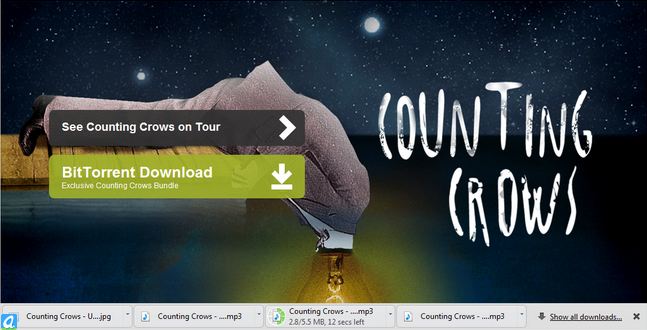
Installing and downloading in OneClick is easy. You just need to click on any downloadable torrent on the Internet, and the extension will process the Torrent and deliver the individual files as separate downloads. OneClick currently does not support resumed downloads, so it is only useful for people with fast internet connection.
Download OneClick for Google Chrome
You can follow us on Twitter or join our Facebook fan page to keep yourself updated on all the latest from Microsoft, Google and Apple.


nice, I didn’t hear about it yet.
I currently use a browser that’s called torch and it has a torrent client of its’ own and it is really good (and fast!).
What do you think of it (if you know it?)?