

Finally Google is becoming social, but not with a social network, but with a button. Just like a “Like†button in Facebook which you can share what you like or rate in the items, books, websites, music, whatever you can search in Google. Thus, the links “voted” start to appear in search results of others you are connected. Check this video.
How to Enable Google +1
1) Go to home page of Google Search Experiments and enable (to click the button “Join this experiment”) to “+1 button.”

2) Search for something you love on Google.com
3) Click the new +1 button, and make your mark on the web.
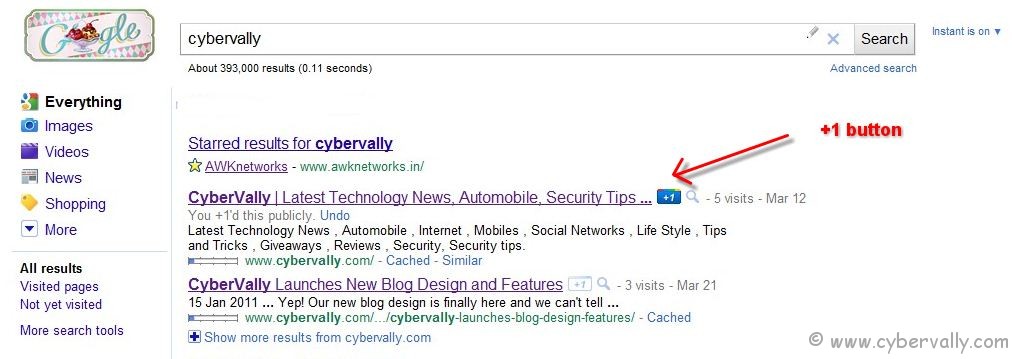
To try +1, you need to have a Google profile. If you don’t see +1 buttons, just wait for few days as Google is rolling out it slowly.
If you’re a Facebook user and want to keep up on the latest Technology news why don’t you join the CyberVally Facebook page?
If you enjoyed reading this post, please consider leaving a comment below or subscribing to the feed


2 Comments