

How-ToInternet

How To Print Selected Part of a Web Page

You needs to print a particular section of web page or no need of any images in the web page. Here we showing one application page help you to print web pages with customization. It will help you to avoid ads in pages and unwanted images. printfriendly help you to print web pages with what you want.

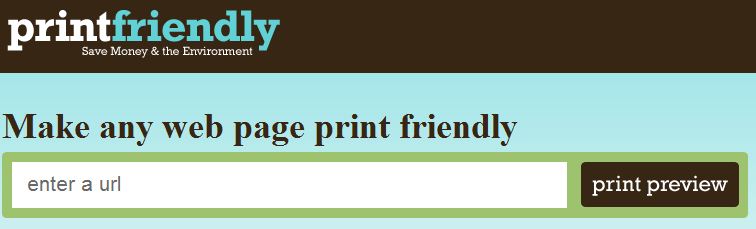
You just needs open printfriendly page and enter the complete url of web page you want to print. Then press print preview button. After processing you will get print preview page. Now you can delete unwanted parts from preview page. After that you can print, save as pdf,email and tweet.
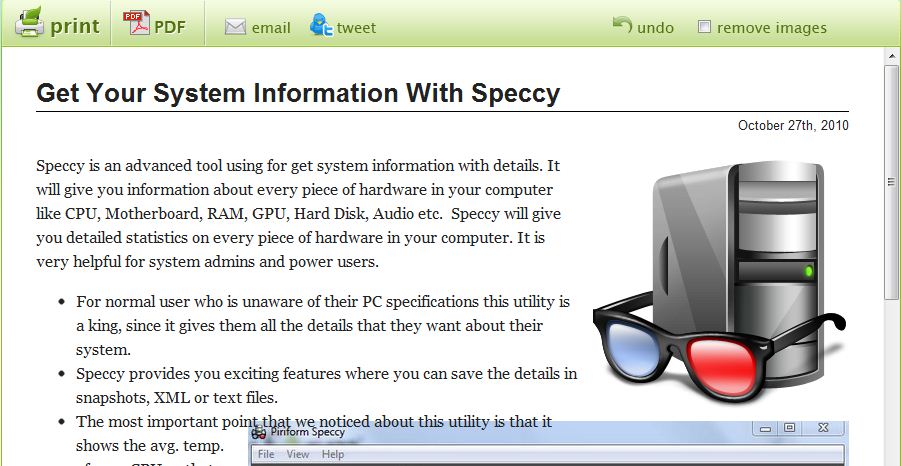
Blog Publishers can use the Printfriendly button on their site to add Print option over there. It will help viewers to read web contents offline via printed copy and use that information in their presentation.

I think it is very useful for you. Share your comments about it in the comments box below 🙂

About author

Articles

Arun Wilson is a self-confessed tech and gadget freak. When he isn't busy navigating life, he loves sharing the latest updates on technology, internet security, and new gadgets. Connect with Arun: Follow on X | Facebook
Related posts
InternetLatest Updates

Top 5 Free Alternatives to Everyday Premium Applications

Let’s be honest: in 2026, subscription fatigue is no longer just a buzzword; it’s a verified…
Read more
InternetLatest Updates

Beyond Passwords: A Guide to the Different Types of 2-Factor Authentication

If your online accounts were a house, a password would be the lock on the front door. It keeps…
Read more
How-ToInternetLatest Updates

Don't Toss It! How to Turn Your Old Wi-Fi Router into a Repeater

We’ve all been there: you upgrade to a shiny new Wi-Fi router to get better speeds, and your…
Read more