

Internet

Watch Youtube Videos in Windows Media Center

MacroTube is a free software that integrates Youtube into Media Center menu system directly and provides easy access to YouTube videos. It also contain DailyMotion and MSN Soapbox. After installing MacroTube an option is avilable in the main menu. After selecting what service YouTube,  it’ll bring you to a screen displaying the latest videos. You can browse videos by subject or category or you can  search for videos by keywords. Search works via media center remote too.
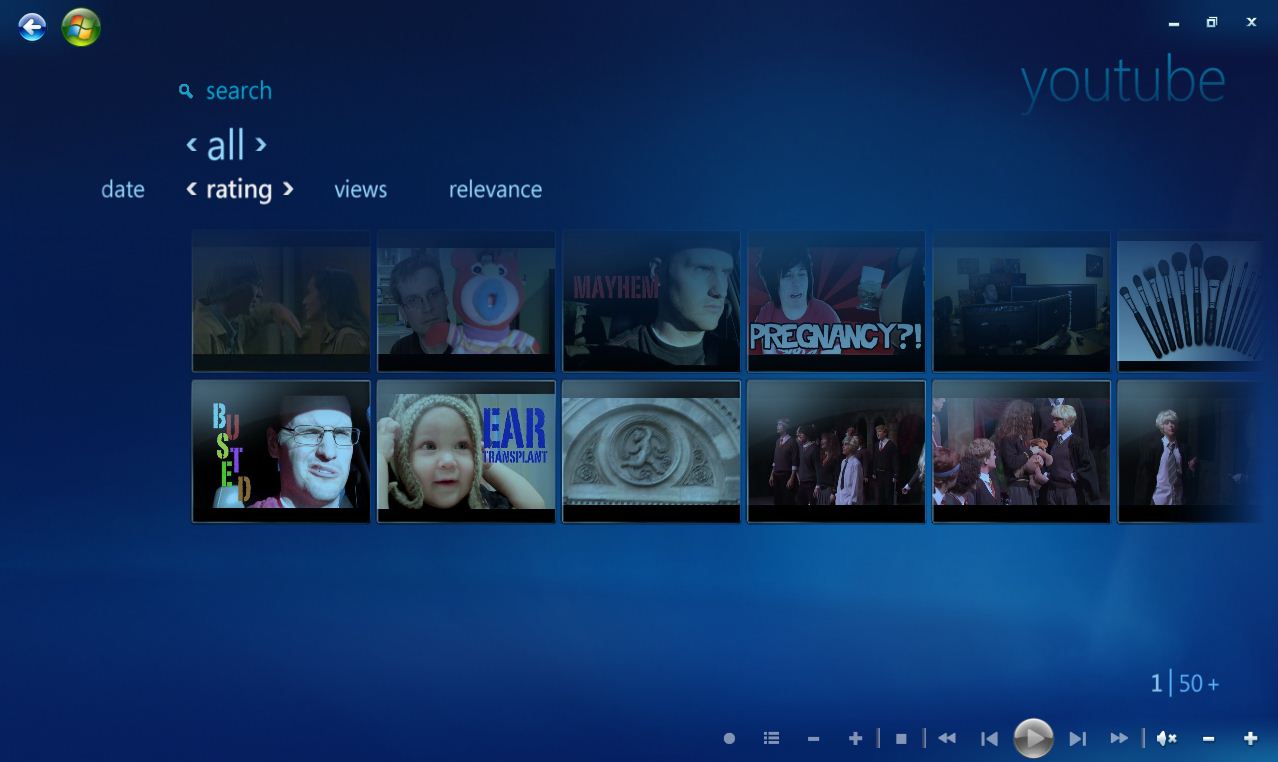
All the normal controls play, pause, forward, stop etc are available during playback time. You also can do search for specific videos. All these videos are sorted by rating, views and relevance.

[ Download MacroTube Here ]

About author

Articles

Arun Wilson is a self-confessed tech and gadget freak. When he isn't busy navigating life, he loves sharing the latest updates on technology, internet security, and new gadgets. Connect with Arun: Follow on X | Facebook
Related posts
How-ToInternetLatest Updates

Building Your Own Private Cloud: A Raspberry Pi Home Storage Solution

In an age where data privacy and control are increasingly important, relying solely on commercial…
Read more
How-ToInternetLatest Updates

Unlock Your Reach: How to Drive More Traffic and Views to Instagram Reels

Instagram Reels have exploded in popularity, offering a dynamic way to share short, engaging video…
Read more
How-ToInternetLatest Updates

How to Build Your Own Private VPN Server Using Home Wi-Fi

Setting up a private VPN network using your home Wi-Fi can be a great way to secure your internet…
Read more