

These days many of you are using android smart phones and tablets devices for reading and browsing websites. In this android web browsing, you will notice that many websites automatically load their mobile version. This is because the browser you are using in android identifies itself as a mobile based application to the websites you are visiting. Many mobile version websites are not useful for browsing because they often lack features compared to their desktop version. If you want to browse the desktop version of websites on your Google Android device, you need to do some changes in your Mozilla Firefox browser or Android default browser. Continue reading to find out how you can toggle between the desktop and mobile versions on your Android.
In Android Default Browser
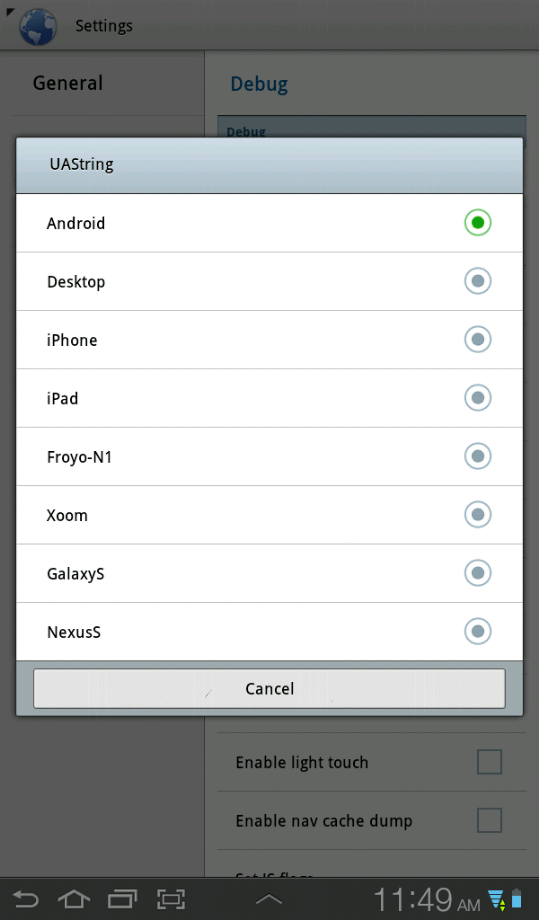
If you want change default version of websites in your android default browser, you need to change the respective user agent string. This very simple trick.
- . Open android browser on your device.
- . Select Settings from the drop-down menu.
- . Select the Debug tab via the left-hand menu.
- . Now select UAString.
- . Select Desktop. Done!
In Firefox for Android
If you are a Firefox for Android user, you can change the website view with a simple Firefox add-on called Phony. The following steps shows you how to install the Phony add-on for Firefox and switching on websites where you don’t want the mobile version.
- . Select Add-ons from the drop-down menu.
- . Search ” Phony ” and install it.
- . Now go to Preferences, You can see User Agent option.
- . Now you can choose from Default, Desktop Firefox, Android (Phone), Android (Tablet), iPhone, iPad, and Microsoft IE.
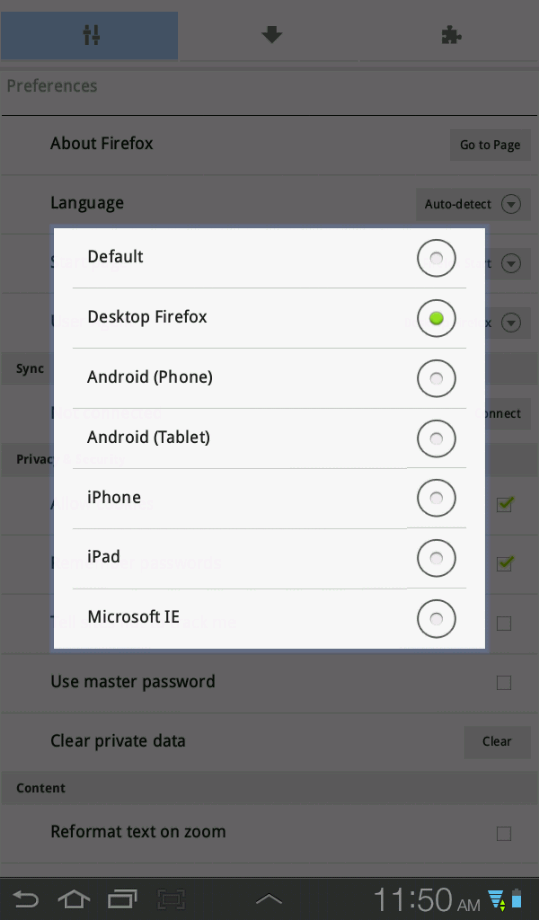
. Once you’ve selected a desktop user agent, every Web site you visit should load as full desktop versions.
In Dolphin HD for Android
Dolphin Browser HD is a highly performing browser for android. You can switch between the mobile and desktop versions of a website with simple add-on.
- . Install the Dolphin Desktop Toggle add-on from android market.
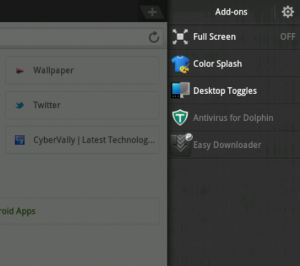
- . Once installed, try to slide the browser window to the left you will find a toggle button.
- . By Pressing the toggle button will load the desktop or mobile version of the website.
That’s it. Now you can view the websites with full features and enjoy the browsing.
You can follow us on Twitter or join our Facebook fan page to keep yourself updated on all the latest from Microsoft, Google and Apple.

