

Most people use Google’s NotebookLM as a simple summarizer. They upload a PDF, ask for a bulleted list, and stop there.
They are missing 90% of the magic.
As of 2025, NotebookLM has evolved into a genuine cognitive engine—a tool that doesn’t just read for you, but thinks with you. Whether you are a researcher synthesizing dozens of papers, a creator planning a video, or a student cramming for finals, moving from “user” to “pro” requires a shift in mindset.
Here is your guide to mastering NotebookLM’s advanced features and hidden workflows.
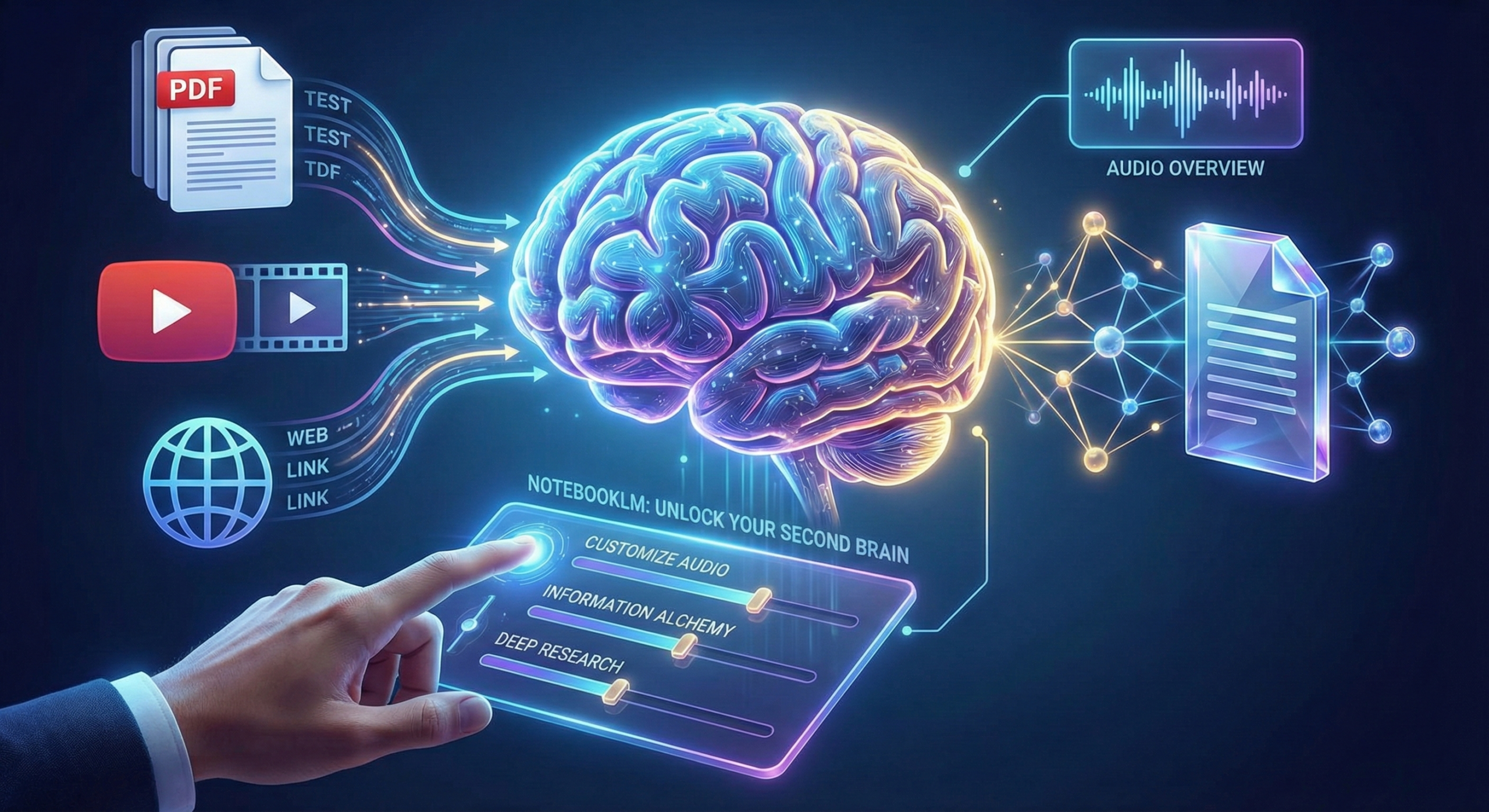
1. Master the “Audio Overview” (Don’t Just Listen, Direct)
The viral “Deep Dive” podcast feature is famous for a reason, but pros don’t just hit play. They act as the Executive Producer.
- Customize the Conversation: Before generating audio, use the Customize button. Don’t settle for a generic summary. Give the AI specific direction:
- “Focus strictly on the financial risks mentioned in these reports.”
- “Explain this complex physics concept as if speaking to a 10-year-old.”
- “Debate the pros and cons of this strategy.”
- Use Interactive Mode: You can now talk back. If the hosts gloss over an interesting point, pause and ask them to elaborate. It changes the experience from passive listening to an active seminar.
- The “Critique” Format: Working on a draft? Upload your essay or script and set the audio format to Critique. The hosts will analyze your work, pointing out weak arguments or structural issues constructively.
2. The “Information Alchemy” Workflow
NotebookLM has a limit on the number of sources you can upload per notebook. Power users get around this (and improve quality) using Information Alchemy.
The Loop:
- Upload & Synthesize: Upload a batch of 10 dense PDFs.
- Distill: Ask NotebookLM to create a comprehensive “Briefing Doc” or “Detailed Summary” of those files.
- Save as Source: Save that new summary as a Note.
- Clear & Repeat: Delete the original 10 PDFs, keeping only your new “Master Note.” Now you have space for 10 new sources.
By repeating this process, you can synthesize hundreds of documents into a single notebook, creating a “Meta-Source” that holds the wisdom of them all.
3. Build a “Hybrid” Brain (YouTube + PDF + Web)
The most powerful notebooks are multimodal. Don’t rely on just text.
- YouTube Ingestion: Paste the URL of a relevant lecture, podcast, or tutorial. NotebookLM reads the transcript.
- Cross-Format Querying: Ask questions that force the AI to connect dots across formats.
- “Compare the theoretical approach in this PDF research paper with the practical advice given in this YouTube video.”
- “Does the financial report (PDF) support the claims made on the company website (URL)?”
4. Advanced Prompting Strategies
Generic prompts get generic answers. Use these “Pro Prompts” to extract deeper insights:
- The Blind Spot Check:“Based on these sources, what am I missing? What counter-arguments or perspectives are absent from my current research?”
- The Connection Machine:“Find unexpected connections between [Source A] and [Source B] that aren’t immediately obvious.”
- The Persona Simulator:“Read these meeting notes. If you were a skeptical Venture Capitalist, what three difficult questions would you ask me?”
- The Timeline Builder:“Create a chronological timeline of events described across all these disparate documents.”
5. Active Study with Flashcards & Quizzes
Stop passively reading your notes. In the Study Guide section, NotebookLM can auto-generate:
- Flashcards: For memorizing key terms and definitions.
- Quizzes: To test your comprehension.
- The Learning Guide: This feature doesn’t just give answers; it asks you probing questions to help you learn the material, effectively acting as a tutor rather than a search engine.
6. The “Deep Research” Agent
When your uploaded sources aren’t enough, toggle on the Deep Research features (if available in your tier). This allows NotebookLM to go out to the web, find credible sources to fill in the gaps, and integrate that outside knowledge with your internal documents. It turns the tool from a “library” into a “librarian.”
Summary: Your New Workflow
To truly go pro, change your workflow from Consumption to Collaboration:
- Curate a mix of sources (Video, Text, Audio).
- Direct the AI with specific personas and output formats.
- Iterate by refining summaries into new sources.
- Interact by talking to your Audio Overviews and quizzing yourself.
NotebookLM is a mirror for your own knowledge base. The sharper your inputs and commands, the clearer the reflection. Now, go build something brilliant.