

Ocster Backup Pro 5 is a fully automatic and easy to use backup solution. You simply specify what you want backed up and when and then the software takes care of the rest. Ocster Backup Pro 5 a great feature called “Versioning”. Â Versioning means that the software keeps multiple old versions of your files and you can access them at any time. A big percentage of data losses are accidental file modifications or deletions. This feature makes it easy to recover your data if you make a mistake.
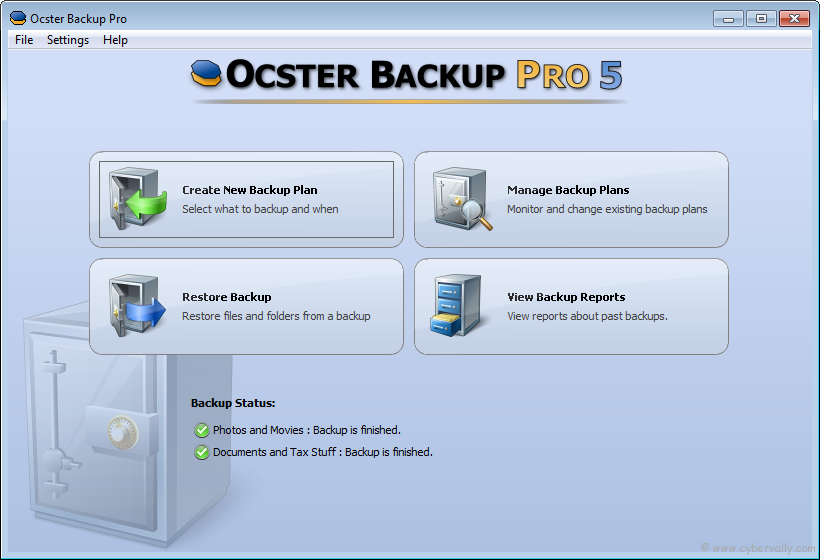
Ocster Backup Pro 5 also includes a special feature called “Automatic Pausing” will automatically pause the backup process when you need the full power of your computer. Never be bogged down by your backup software again. Ocster Backup Pro 5 can store the backups on an external hard disk, a network drive or on the specially secured Ocster Secure Storage. With the software’s scheduled automatic backups you simply select what to back up and when and that’s it.
Main Features of Ocster Backup Pro 5
Fully Automatic: Creates fully automatic backups of your data.
Versioning: Easily access and restore different older versions of your files.
Automatic Pausing: Backups are done in the background and are automatically paused to prevent them from slowing down
Outlook Support: Back up your Microsoft Outlook emails and calendars with a single mouse click.
Stop & Resume: Backups can be stopped and resumed. This is handy when the computer needs to be shut down, for example.
Backup Reports: Detailed backup reports can be generated each time the backup is updated. The contents of the reports can be configured.
Backup Report Emails: Backup reports can be automatically sent to an email address. That way you can be up-to-date on the state of your backups even when you are on a business trip or if the computer is simply a server in your attic.
Network support: Files and folders on network drives can also be backed up. The backup data can also be stored on network drives if that is desired.
Encryption: Backups are strongly encrypted and protected with a user password. The encryption algorithm can be configured, if that is desired.
Compression: Backups are compressed intelligently to save space.
Different compression types are available: from fast ones with moderate compression to slower ones with excellent compression.
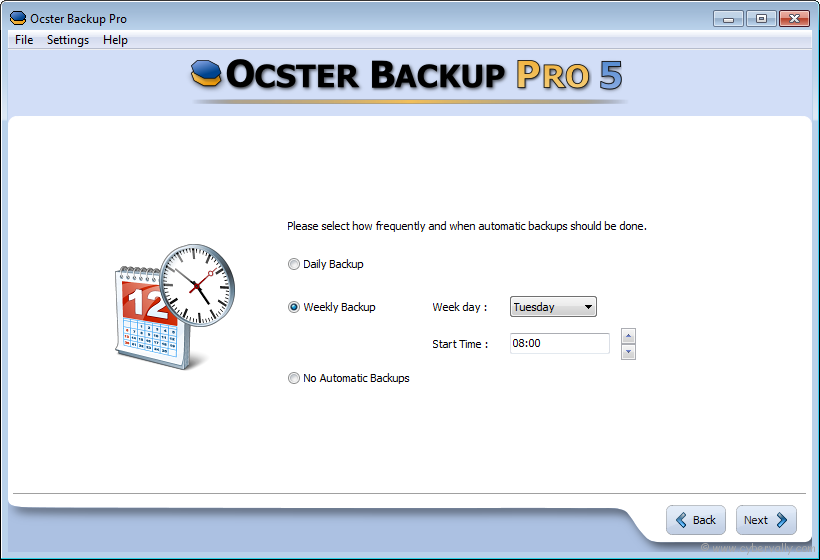
Scheduled: Backups can be started either automatically at scheduled times or manually by clicking a button.
Storage Types: Backups can be stored on hard disk, USB sticks, network drives and Ocster Secure Storage.
System Requirements
– Windows XP, Windows Vista or Windows 7 (the 64 Bit version of each operating system is also supported)
– 512 MB RAM
– Free space on hard disk: ca. 125 MB
How to Participate Giveaway ?
Ocster Backup Pro 5 value is Only $ 39.90 USD. We are giving free for CyberVally readers. We have collaborated with Ocster GmbH & Co to offer you unlimited giveaway of Ocster Backup Pro 5. Also thanking to Mr. Hauke Duden ,CEO of Ocster GmbH & Co.
– No more rules and contest for this giveaway.
– Go to below  link and download this software.

This software contain automatic activation. So you don’t need any serial keys for activation. Â Hope you enjoyed this software. Express your feeling in comment.
* Last Date is 02/06/2011
If you’re a Facebook user and want to keep up on the latest Tech news why don’t you join the CyberVally Facebook page?
If you enjoyed reading this post, please consider leaving a comment below or subscribing to the feed

