

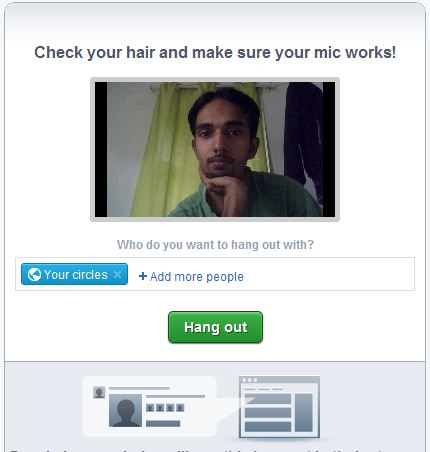
There is no dedicated software available for record Google hangout. So if you want to record Google+ Hangout you need to use some screen record softwares for it. Here I’m going to explain some free tools for recoard Google hangout screen in to various formats. These screen record software help you to record Google+ hangout with sound. Try it now !
1. CamStudio
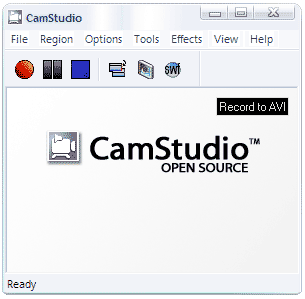
CamStudio is able to record all screen and audio activity on your computer and create industry-standard AVI video files and using its built-in SWF Producer can turn those AVIs into lean, mean, bandwidth-friendly Streaming Flash videos (SWFs). You can use this software for record Google+ hangout in AVI format.
[Download CamStudio]
2. HyperCam
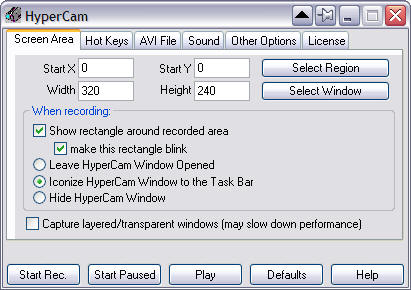
HyperCam captures the action from your Windows screen and saves it to AVI (Audio-Video Interleaved) movie file. Sound from your system microphone is also recorded. Using this software you can record and save you Google Plus hangout in AVI format.
[Download HyperCam]
3. BB FlashBack
Here is another freeware tool for record Google+ hangout and it is BB FlashBack. It can record screen, microphone, PC sounds and webcam video. After record you can export recorded video in SWF, AVI and FLV format in freeware version. The BB FlashBack Express free screen recorder has one-click upload to YouTube option.
[Download BB FlashBack]
4. Pixetell
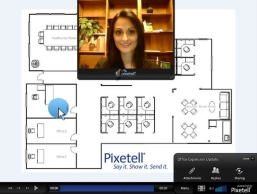
Pixetell is a FREE screen recorder, Webcam recorder, and screen capture tool that is very easy to use. Pixetell makes it easy to export your recordings to a variety of industry standard video formats as well as upload to YouTube. By using this tool you can record and upload Google+ hangout very easily.
[Download Pixetell]
5. SCREEN2EXE

This fast and easy-to-use screen recorder creates instant demos, tutorials and presentations with the highest compression ratio in the world, by recording your desktop into files. Using this tool you can record Google+ hangout videos.
[Download SCREEN2EXE]
You can follow us on Twitter or join our Facebook fan page to keep yourself updated on all the latest from Microsoft, Google and Apple.

