

 Google Alerts is a simple and free way to get regular updates of sites or something that interest for you. Google Alerts will send you an email any time a new updation appears in the added site or top 10 news results for the terms you specify. You can setup multiple alerts and delete them at any time.
How to Setup Google Alert
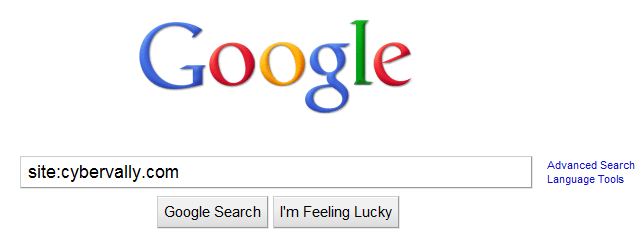
- Go to www.google.com and type  ” site:domain name.com ” ( Ex – site:cybervally.com )
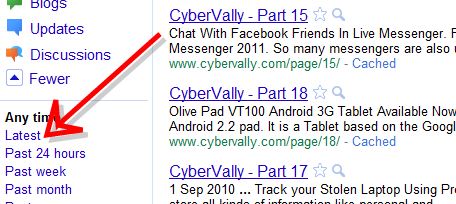
- In sidebar click ” Latest ” . this will show latest articles recently from site or subject.
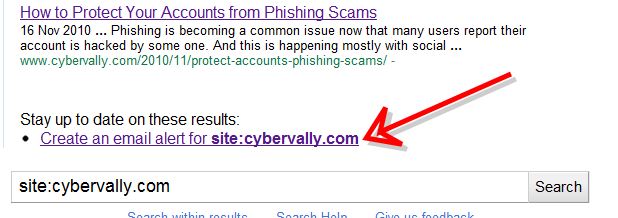
- In down you can see ” Create email alert for site:domain name.com ” (site:cybervally.com )
- Click that link , In Google alert page enter email address where you want to receive notification. Select other options also.
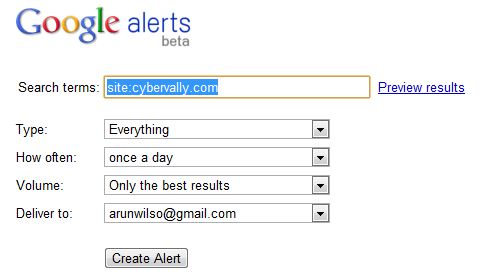
Setup Done. Now you will get update notification whenever a new page added to web site or subject. You can use it for any number of websites and subject.

