


Internet is an important resource for the instant access of information in the present world. It helps your child can get educational material via online. Unfortunately internet containing full of traps. It worries you to think how to stop childrens from searching for adult content, or how to stop adult content getting displayed as results for search queries. Google search have a very powerful tool named as SafeSearch. It is a better way to block adult content from appearing in Google search result pages.
Steps To Setup
1) Go to Google and search something.
2) Click Search Settings, located on the upper right-side of your browser window.
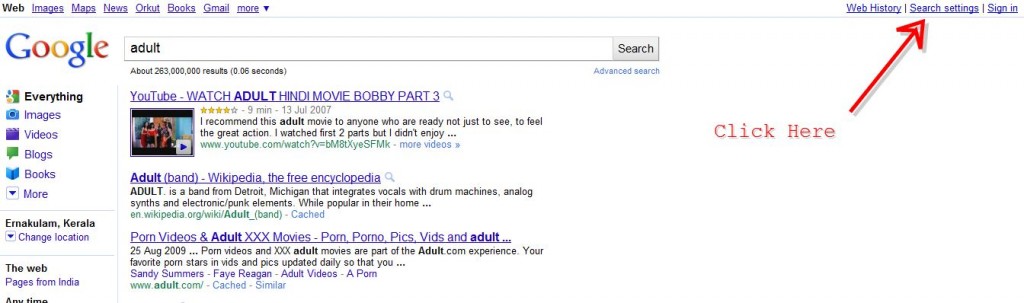
3) In this page you will get some Google options. Look for SafeSearch Filtering which should be the third options.
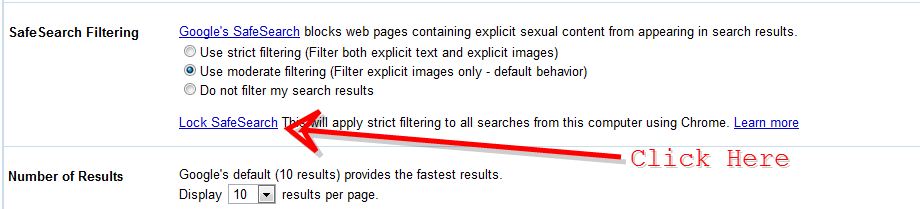
4) From available options you can choose: Use strict filtering (Filter both explicit text and explicit images), Use moderate filtering (Filter explicit images only – default behavior) and Do not filter my search results.
5) Click fourth option called Lock SafeSearch is available.
6) You will be redirected to another Google page where you need to type your Google username and password.
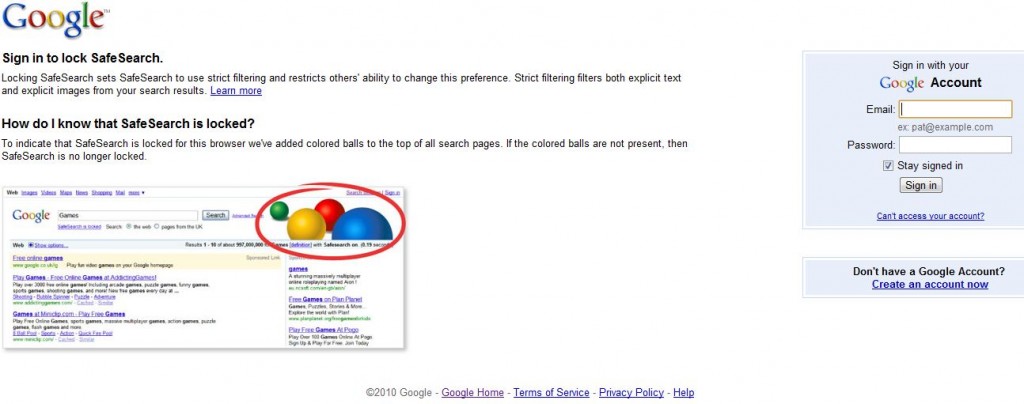
7) Once you have signed in, simple click the Lock SafeSearch button (Locking SafeSearch sets SafeSearch to use strict filtering and restricts the ability of users to change this preference.
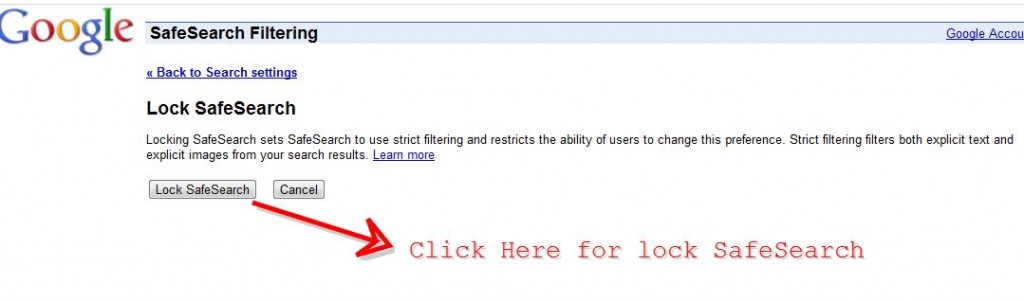
8 ) You will get a message like SafeSearch is successfully locked.
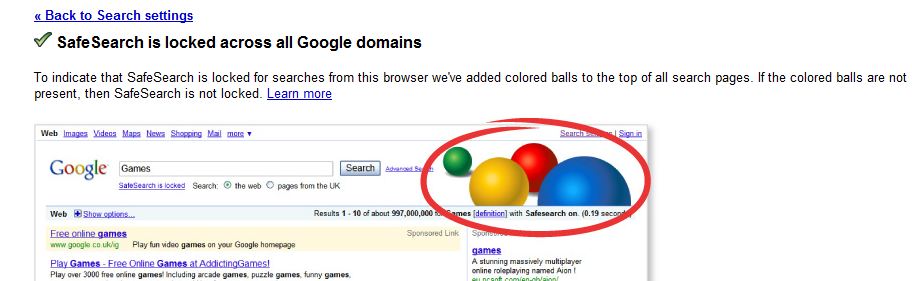
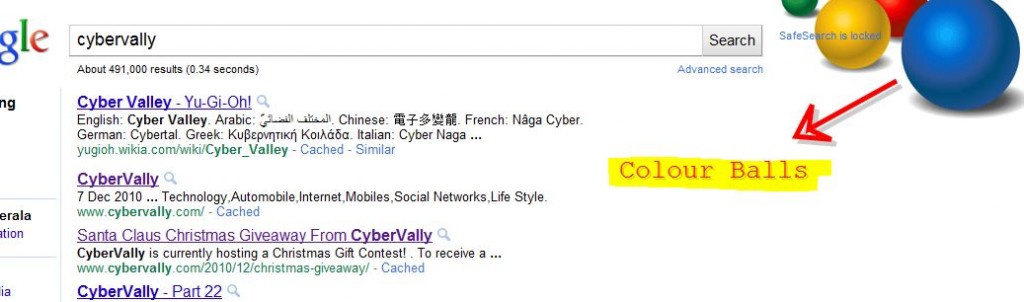
9) From now on you’ll get those colorful balls on your search results page indicating the same.
If your kid is a little geeky, this won’t stop him from getting what he wants 😀
If you enjoyed reading this post, please consider leaving a comment below or subscribing to the feed

