How-ToInternet

How To Create an Event On Facebook

If you want to organizing any event such as meetings, reunion or party, the better idea is to add event on Facebook and invite peoples and they tell that they are attending the event or not. This will help you to save time and phone calls. Please refer following steps for creating an event.

Steps to Create an Event

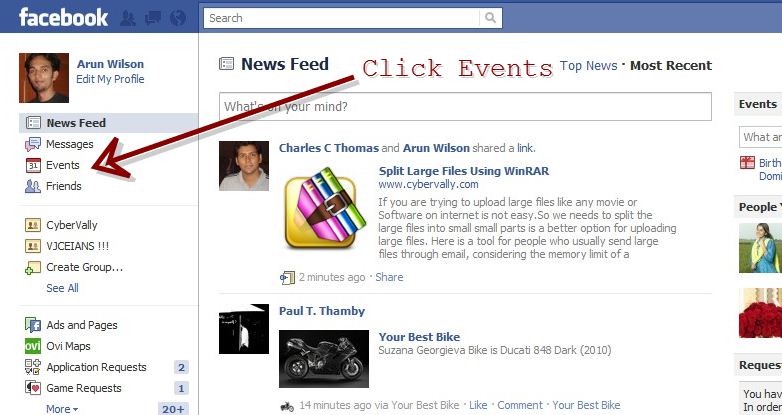
  • Click on the events given on the left sidebar.
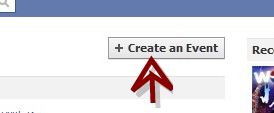
  • Click on “Create an Event” button.
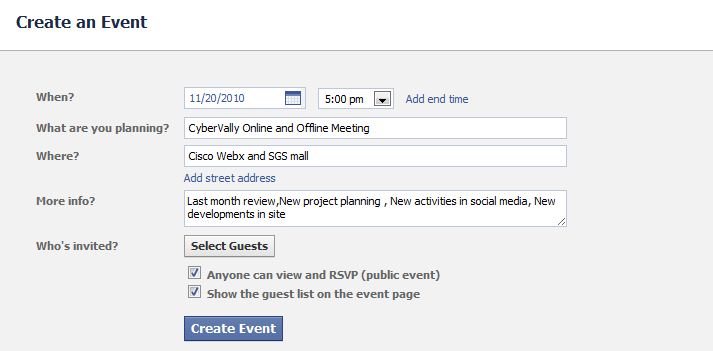
  • In create page enter all the details and click on “Create Event” button. Check the box next to Anyone can view and RSVP if the event is public. Click on “Select Guests” button and enter the name of guests of your event.
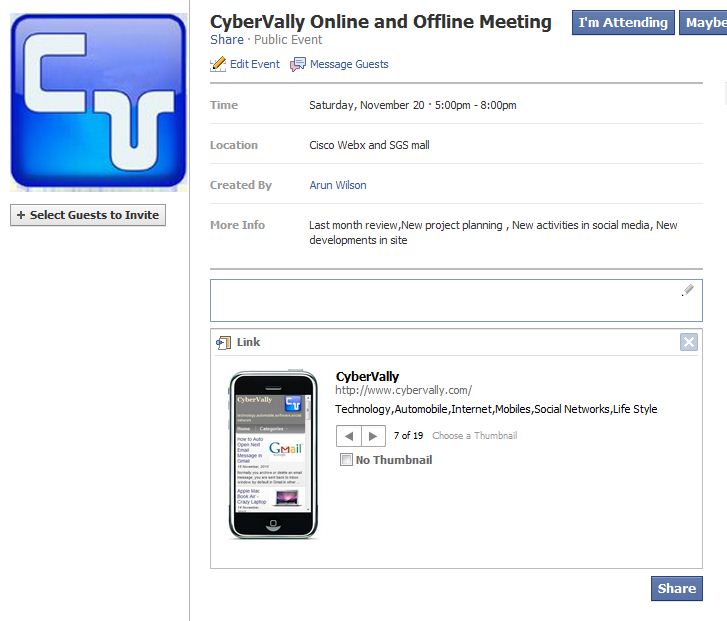
  • Event details created now . You can add photo, video or notes to add more information about the event. You can share the event on your wall so that  more people can know about it and join.
  • You can check responce from users by visiting the My Events page. Yep , Your event is created and shared.

About author

Articles

Arun Wilson is a self-confessed tech and gadget freak. When he isn't busy navigating life, he loves sharing the latest updates on technology, internet security, and new gadgets. Connect with Arun: Follow on X | Facebook
Related posts
How-ToInternetLatest Updates

Building Your Own Private Cloud: A Raspberry Pi Home Storage Solution

In an age where data privacy and control are increasingly important, relying solely on commercial…
Read more
How-ToInternetLatest Updates

Unlock Your Reach: How to Drive More Traffic and Views to Instagram Reels

Instagram Reels have exploded in popularity, offering a dynamic way to share short, engaging video…
Read more
How-ToInternetLatest Updates

How to Build Your Own Private VPN Server Using Home Wi-Fi

Setting up a private VPN network using your home Wi-Fi can be a great way to secure your internet…
Read more