

If your online accounts were a house, a password would be the lock on the front door. It keeps honest people out, but a determined thief with the right tools can eventually pick it. That’s where 2-Factor Authentication (2FA) comes in.
2-Factor Authentication is the equivalent of a security system that asks for a secondary confirmation before letting anyone inside. Even if a hacker steals your password, they still need that second “factor” to access your account. However, not all 2FA methods are created equal.
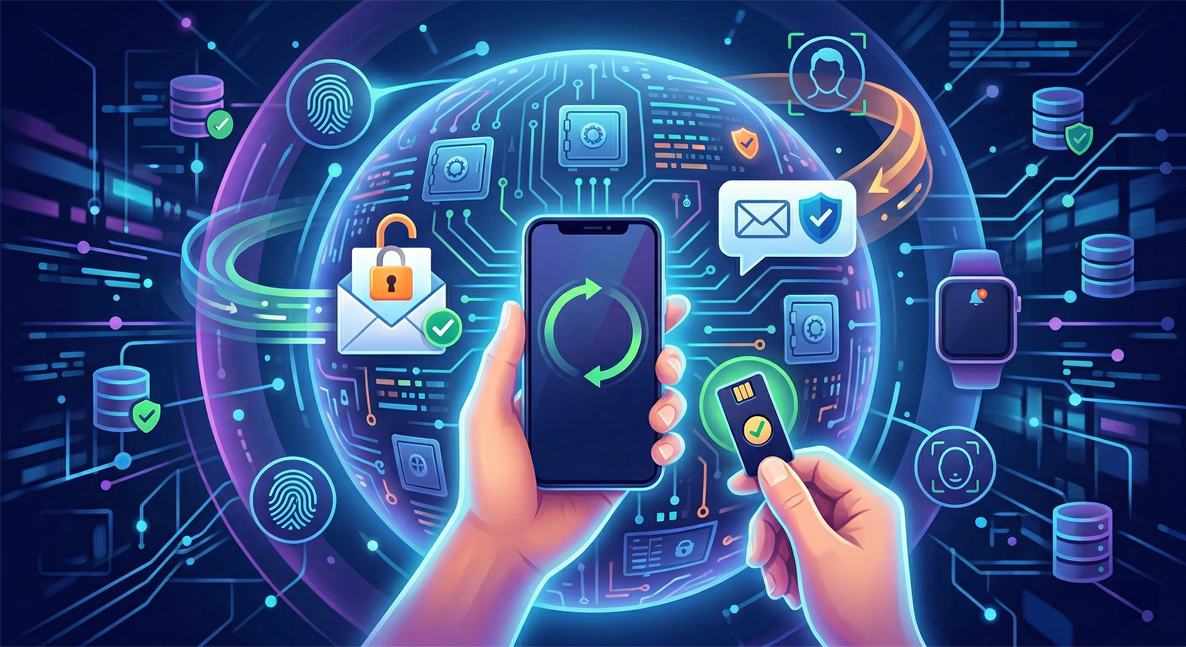
Here is a breakdown of the different types of two-factor authentication available to help you secure your digital life, from the most basic to the most advanced.
1. SMS and Email Codes (The Basics)
This is the most common form of 2FA. When you log in, the service texts a short code to your phone or sends it to your email address. You then type that code into the login screen.
- Pros: It is incredibly easy to use and requires no special apps or equipment. Almost everyone has a phone number and an email address.
- Cons: It is the least secure method. Hackers can intercept text messages through a technique called “SIM swapping” (convincing your carrier to transfer your number to their device). Email 2FA is also risky if your email account itself isn’t heavily secured.
- Best For: Accounts with low-security risks, or when no other 2FA options are offered by the service.
2. Authenticator Apps (The Sweet Spot)
Authenticator apps, such as Google Authenticator, Authy, or Microsoft Authenticator, generate Time-based One-Time Passwords (TOTP). These are usually six-digit codes that refresh every 30 seconds.
- Pros: Highly secure. The codes are generated locally on your device, meaning they don’t travel over the cell network and cannot be intercepted like an SMS. They also work offline.
- Cons: Requires downloading a dedicated app and a brief setup process involving scanning a QR code. If you lose your phone and haven’t backed up your authentication codes, getting back into your accounts can be difficult.
- Best For: Your primary email, financial accounts, social media, and password managers.
3. Push Notifications (The Most Convenient)
Instead of typing in a code, this method sends a prompt directly to your smartphone asking, “Are you trying to sign in?” You simply tap “Yes” or “Approve” to gain access. Companies like Apple, Google, and Duo frequently use this method.
- Pros: Extremely user-friendly and fast. It eliminates the need to manually type out codes. It also provides context—often showing you the location and device trying to log in, which helps you spot fraudulent attempts.
- Cons: Requires an active internet connection. There is also a risk of “MFA fatigue,” where a hacker spams your phone with requests until you accidentally hit “Approve” just to make it stop.
- Best For: Everyday logins where you want a balance of high security and low friction.
4. Hardware Security Keys (The Gold Standard)
Hardware keys (like YubiKey or Google Titan) are physical USB or NFC devices that you plug into your computer or tap against your phone to verify your identity.
- Pros: They are virtually unphishable. Because the physical key must be present to log in, remote hackers cannot access your account, even if they have your password.
- Cons: You have to buy them (usually between $20 and $60), and you have to remember to carry them with you. Many experts recommend buying two so you can keep one as a backup in a safe place.
- Best For: High-value targets (journalists, politicians, executives), crypto wallets, and your primary password manager.
5. Biometrics (The Seamless Approach)
Biometric authentication uses your unique physical characteristics—like your fingerprint (Touch ID) or your face (Face ID)—as the second factor.
- Pros: You are the key. It is incredibly fast and you can’t leave your fingerprint at home like a hardware key.
- Cons: Biometrics are typically tied to a specific device rather than the account itself, so they are often used in tandem with another method or as part of a “Passkey” setup.
- Best For: Unlocking password managers, banking apps on your phone, and authorizing local device actions.
The Takeaway: Which Should You Choose 2-Factor Authentication?
The golden rule of cybersecurity is that any 2FA is better than no 2FA.
If you are just starting out, turn on SMS authentication—it will block the vast majority of automated attacks. However, as you get more comfortable, transitioning your most important accounts (like your primary email and bank) to an Authenticator App or a Hardware Key will provide a massive upgrade to your digital security.
Take 15 minutes today to review your most important accounts and turn on the strongest 2FA method they support. Your future self will thank you.

