

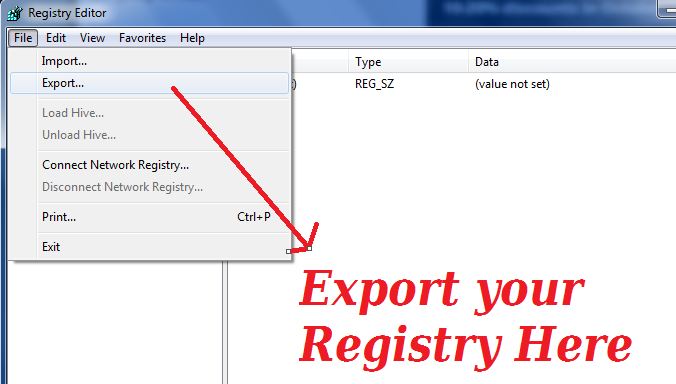
Your are going to edit your registry or you needs your current registry backup ? Here one solution for to take backup of your registry file or registry key. This option helps you to export and import registry file from your windows OS.
To export registry just follow simple steps
- Start “Run” and type ” regedit”.
- Press Enter and you can see registry folder.
- Goto Files > Export option in dialog box.
- Save file as .reg file and give file name.
- To import registry follow these steps.
To Import registry follow steps
- Start “Run” and type ” regedit”.
- Press Enter and you can see registry folder.
- Goto Files > import option in dialog box.
- browse the folder where registry file have.
- Import files you want.
Warning – ” Using Registry Editor incorrectly can cause serious, system-wide problems that may require you to re-install Windows to correct them. Microsoft cannot guarantee that any problems resulting from the use of Registry Editor can be solved. Use this tool at your own risk “

