

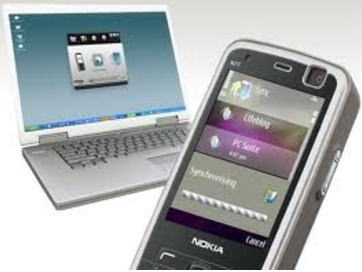
SmartTouch is an application that allows you to use your Nokia mobile phone as a remote control for your computer. The application supports Symbian 5th Edition (S60) phones and your PC must be bluetooth enabled. SmartTouch is a free software available for Symbian series 60 phones
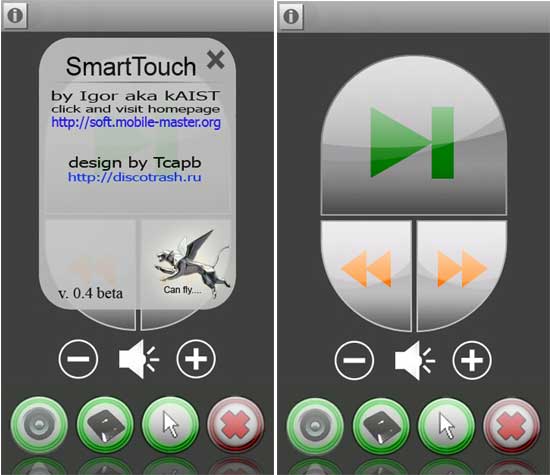
Steps To Setup
1) 1.Download SmartTouch for your Mobile phone. 2. SmartTouch client for your computer. 3. Phython for your memory card. These applications are freeware.
2) First you need to install Phython on your phone memory card, than install the Smarttouch.sis on your phone.
3) Then enable Bluetooth on your computer and phone. Run the server (SmartTouch client) on your PC and the SmartTouch software on your mobile phone.
4) Search for devices and select your computer from the list.
5) Yep its done. Enjoy!!!!
If you enjoyed reading this post, please consider leaving a comment below or subscribing to the feed 😀

