

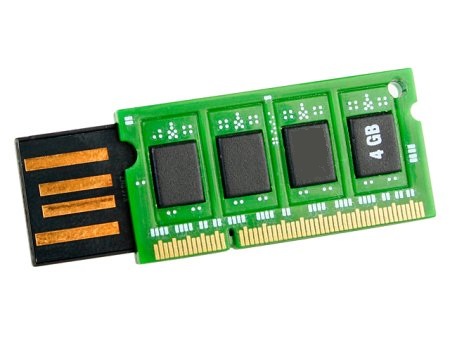
 There is a feature in windows 7 that can use your pendrive as RAM temporarily. It will help you to incress program running speed. Basic idea is to use your Pendrive as a virtual memory. After doing this setups if your computer’s internal RAM is full then your computer will use the memory available in pendrive to store the data as RAM. The feature is called windows ready boost. You just need follow simple steps to setup it in your windows 7 PC.
Steps To setup
- First of all connect your pendrive to your computer.
- Right click on your “My Computer†and click on “Propertiesâ€.
- Now click on “Advanced†from Advanced system settings and then click on “Performanceâ€.
- Now click on “Advanced†and click on the “Change†button below virtual memory.
- Now select your Pendrive below and choose the option “Custom sizeâ€.
- As your last step view the memory available in your pendrive and write it down in the “Initial size†and “Maximum size†filed and click on “OKâ€.
- Now you are done. Now your pendrive will be used as your RAM.
Hope it is useful for you. Share your reviews,comments and questions about it in the comments box below. 😀


Nice article .. wanna try
good info… I will try it….
Hai Arun we do have lots of Disk space remaining in our hard disks which can be used as virtual memory so why should we go for this.does this offer any more advantages over hard disks(Despite hard disk being faster compared to a usb disk)?..
HDD activity is ALWAYS slower than RAM activity because the HDD is an electro-MECHANICAL device, meaning that it has moving parts. Accessing memory on the hard drive is significantly slower than accessing it on RAM. As for ReadyBoost, you can’t use that feature with external or internal disc drives. You must use an external flash drive.
Arun, is there any need of formatting the laptop once a year to increase its performance?
No need, if any serious virus in your laptop u need to format otherwise just clean ur temp files and useless softwares..
helloo..
i have a desktop system , i use to for formating the my system every month this can make any effect on my system plesae repl…
Sub : How to use pen drive as a RAM
i have try this thing but it is not done…
please provide more information on the same
My OS : Windows 7