

ComputerHow-To

How to Setup Multiple Monitors in Your Windows 7 Laptop

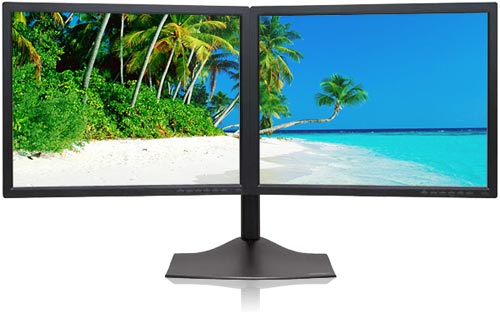
If you are one of those who works with multiple screens and finds it tough to work on a single monitor, this setup will help you configure multiple monitors for your windows 7 laptop. You can work in multiple windows with the help of two monitors.
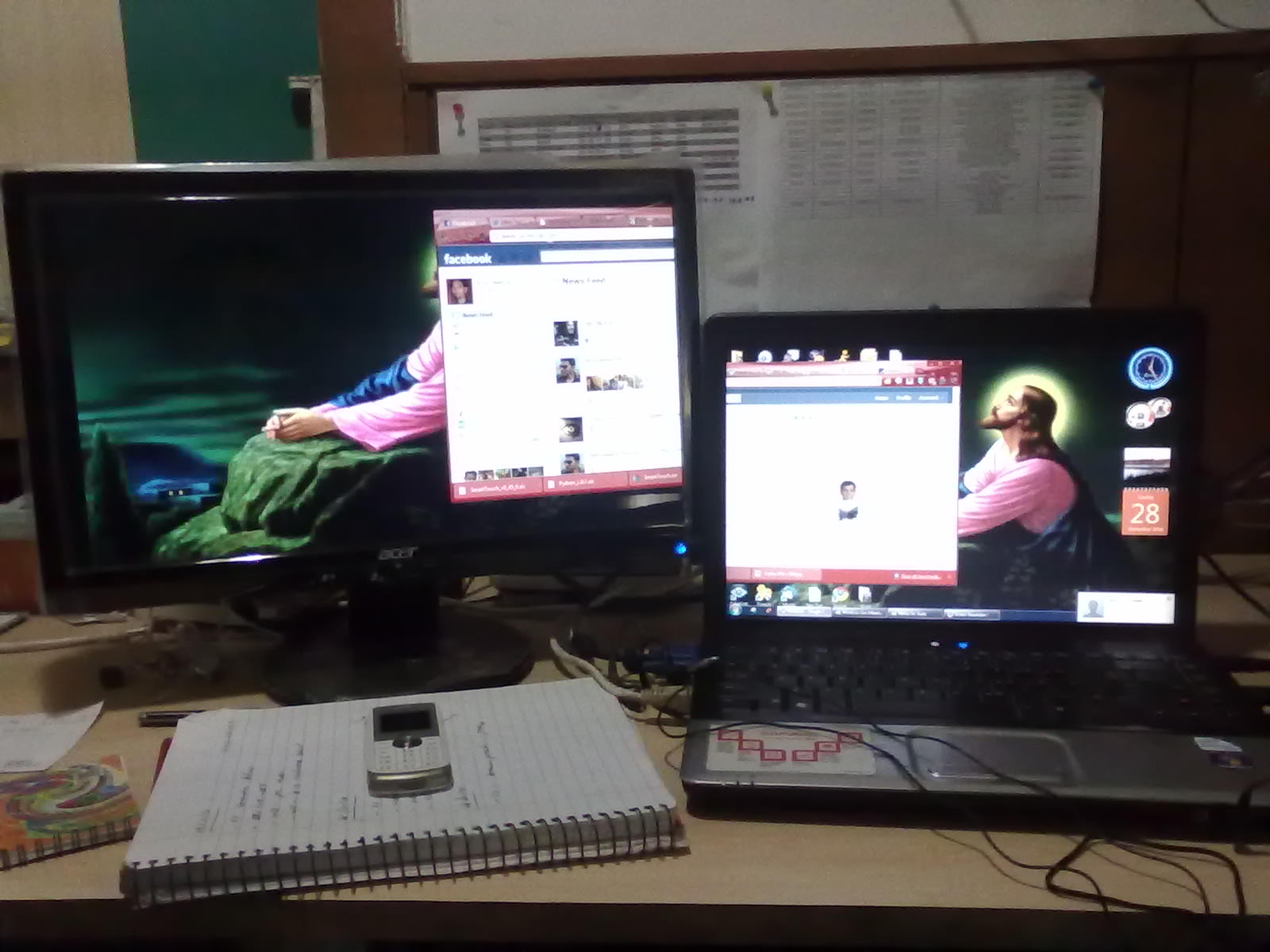
How to Setup Multiple Screen

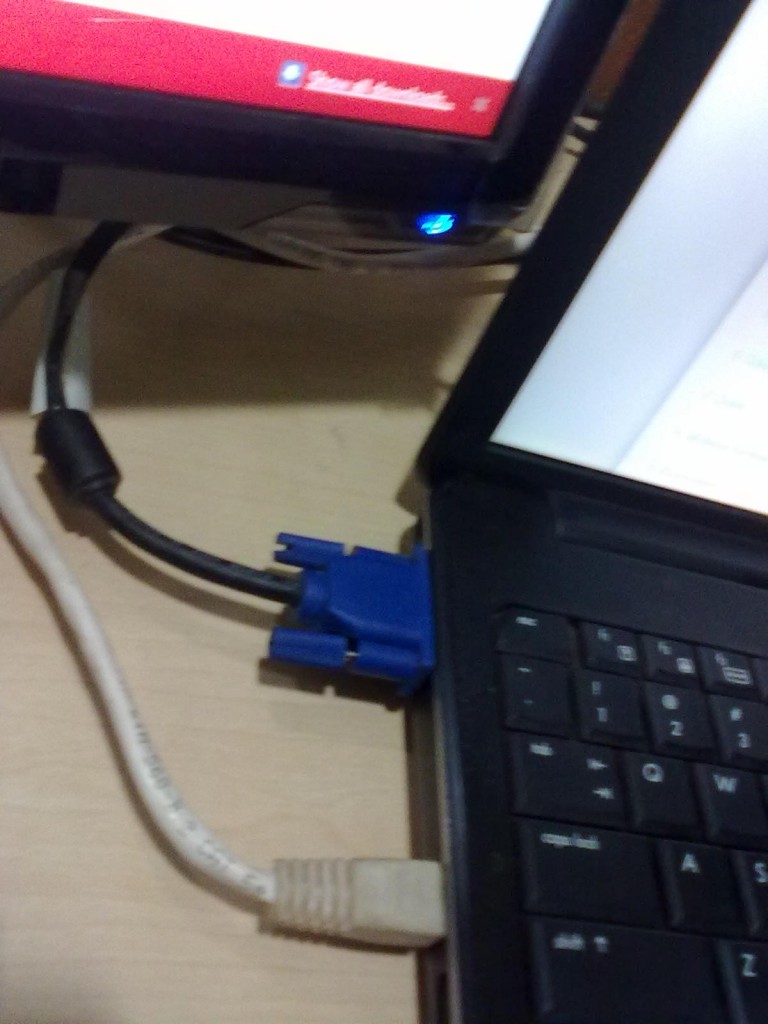
  • Setup  another monitor and connect the input cable of the monitor to your VGA card output of your Laptop.
  • Now, Go to control panel and select display -> Connect to projector and select extend.
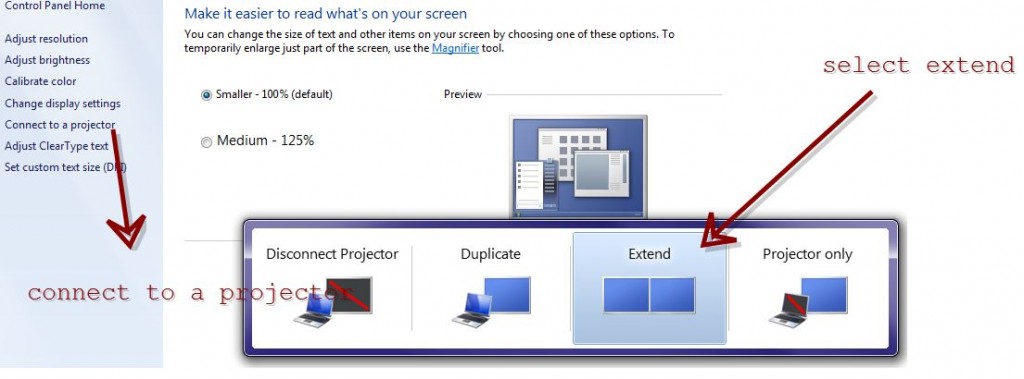
  • Click on Apply and press OK. Now you are ready to work with your Two monitors.
  • Simply press the Windows key and P (Windows + P) to bring up a quick menu of options.
You can also change the orientation of the displays and change the resolution of each display in display settings window. It is very useful for network admins  for monitoring more networks in single PC.

Hope it is useful for you. Share your comments and questions about it in the comments box below. 😀

About author

Articles

Arun Wilson is a self-confessed tech and gadget freak. When he isn't busy navigating life, he loves sharing the latest updates on technology, internet security, and new gadgets. Connect with Arun: Follow on X | Facebook
Related posts
How-ToInternetLatest Updates

Building Your Own Private Cloud: A Raspberry Pi Home Storage Solution

In an age where data privacy and control are increasingly important, relying solely on commercial…
Read more
How-ToInternetLatest Updates

Unlock Your Reach: How to Drive More Traffic and Views to Instagram Reels

Instagram Reels have exploded in popularity, offering a dynamic way to share short, engaging video…
Read more
How-ToInternetLatest Updates

How to Build Your Own Private VPN Server Using Home Wi-Fi

Setting up a private VPN network using your home Wi-Fi can be a great way to secure your internet…
Read more