


Driver problems are like never ending issues in the Windows PC. You’ll have a working driver on your machine, but don’t have the installation cd anymore to install after format your computer.The simplest way to handle this is a tool known as DriverMax.
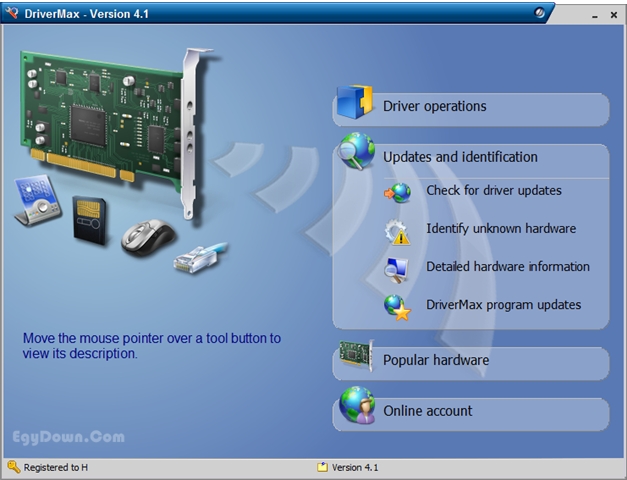
DriverMax is a powerful tool which helps you download, backup and restore the drivers installed on your Windows computer and check if any newer versions are available.After backing up your drivers you will have all of them in a single place and will be able to reinstall all of your drivers or just the ones you choose in a single step.
DriverMax display a full report of all installed drivers.
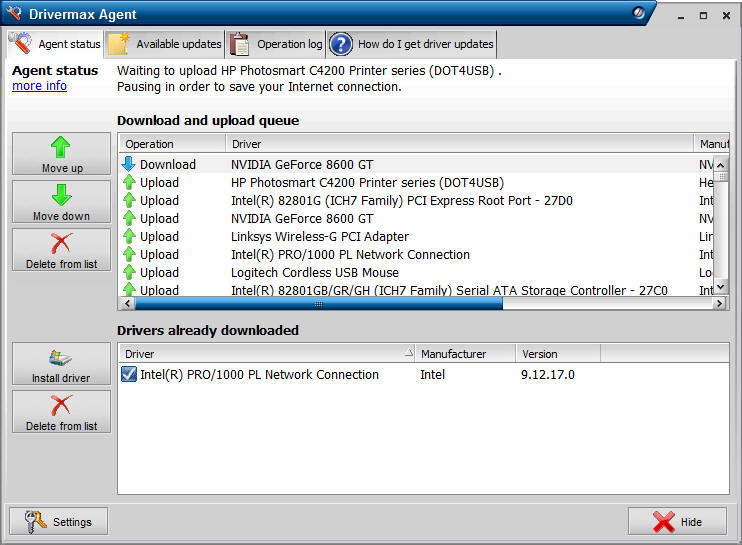
Features
- Backup and restore device drivers. The entire operation will take up to 5-10 minutes.
- Detailed driver report including versions and release dates.
- Ability to identify unknown devices.
- Get Windows rating’s information before purchasing new hardware.
[ Download DriverMax Here ]

