

There are a lot of softwares are available where you can edit, enhance and make your photos more amazing without study software like Photoshop. These photo editing apps help you to edit photos with just few mouse clicks and in few seconds. Make your trips, party photos more awesome using this free photo editing applications for windows.
You Might Also Like :Â Top 5 Free Image Resizing Softwares
1. PhotoScape
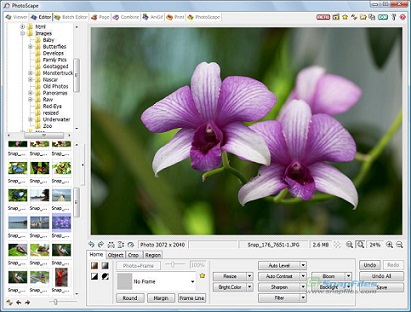
Photoscape is a fun and easy photo editing software that enables you to fix and enhance photos. This software includes almost all features of photo editing in such a small memory size. You can use it in home or in small office purpose. Using PhotoScape you can resize photos, add text to them, change their contrast, make them black & white, change brightness, combine multiple photos, and more.
2. Picasa
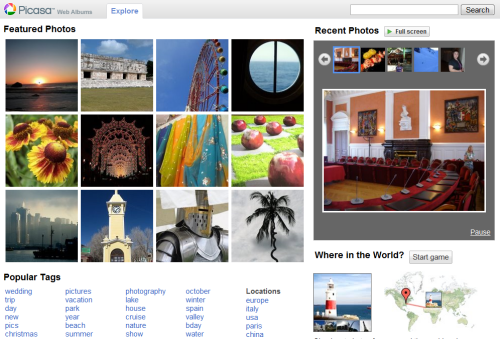
Picasa is a useful and free software that helps you to edit and share your images. Picassa is developed by google and it is not only a photo editing software but also it is an online photo manager. It will help you to directly upload pictures on your Google account and share to your friends.
3. Pixia
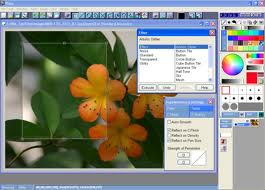
Pixa is a free software that can easily be used for digital photography processing. It is very easy to use and you can make more effects in your images without any professional knowledge. It is the most widely used free photo editing software. It has features that are very similar to Photoshop and Paint.net
4. GIMP
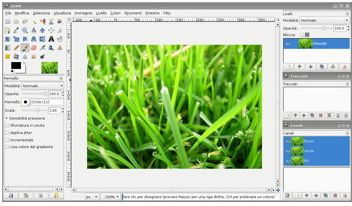
GIMP is a very popular open-source image editor for Linux. It have a very good user interface and features similar to Photoshop. GIMP can be used for various purposes like photo enhancement, digital retouching, and many more. It’s similarity with Photoshop making it one of the most popular open-source photo editors out there.
5. Paint.Net
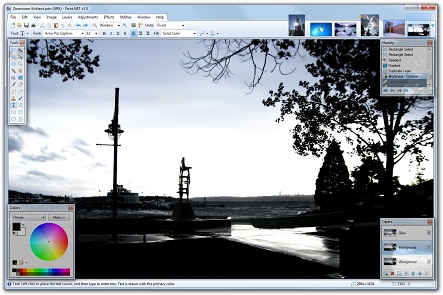
Paint.NET is free image editing software for Windows. It have a very good user interface with support for layers, unlimited undo, special effects, and a wide variety of useful and powerful tools. It comes with advanced photo editing features, and lets you add special effects to your photos. It comes with lot of photo editing tools, but makes it extremely easy to use those to edit your photos.
You can follow us on Twitter or join our Facebook fan page to keep yourself updated on all the latest from Microsoft, Google and Apple.

