

Google Chrome Virtual keyboard extension which allows you to type any character in Chrome without using your keyboard. You can type in any language, more than 80 languages are supported. It pops up on every page with input text boxes and text areas. Here is how you can install and use the Virtual Keyboard.
How to Setup Virtual Keyboard
1. Download Virtual Keyboard extension in your Google Chrome browser.
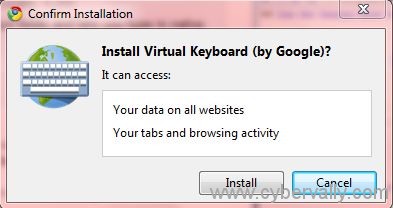
2. Click on Install button to install the Virtual Keyboard extension.
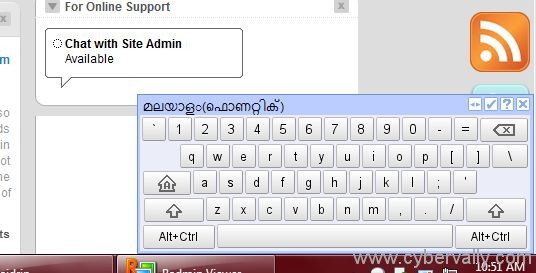
To enable or disable keyboard on all tabs in Google Chrome, either click on the page action icon or press Ctrl+Space. You can switch between keyboard layouts using the arrow icon located on the upper right of the virtual keyboard or press Ctrl+Q.
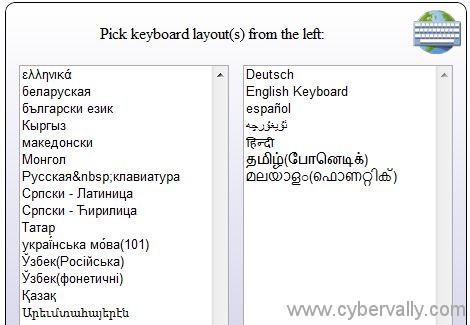
For configure multiple layouts through options page. To get to the options page either right click on page action icon and select Options, or click on ✓ icon on the keyboard.
By using the Virtual Keyboard, you can write your passwords or sensitive information on the internet in a safe way. Also cool tool to overcome language barriers without installing additional software, what say?
<!–c0e98abf007346e5b8d8d599c3378732–>


2 Comments