

 Optical Character Recognition (OCR) is a visual recognition process that turns printed or jpeg image into an electronic character-based file. A character recognition software may interpret each character image on the PDF and assign it an electonic character-based file that can convert into an editable format, such as a Text or Word document.
OCRconvert is a free online OCR converter that lets users extract text from a variety of sources like PDF, Images.There is no need of any installation and supports uploading of 5 files at a time and supports JPG, PNG, BMP, GIF, TIFF and multi-page PDF files as input.
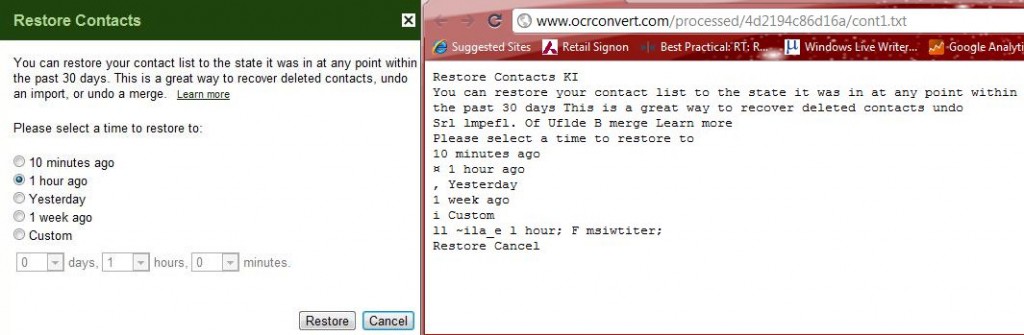
Steps to Setup
- Go to OCR converter
- Upload the image file
- Select the input language and
- Click “Processâ€.
- Once the processing the is done the output file (txt) is available for download.
If you enjoyed reading this post, please consider leaving a comment below or subscribing to the feed 😀

