

Google has launched a new service named Takeout. Â This service allows users to download data from many Google products in one location. Now users can download data from Buzz, Profile, Picasa Web Albums, Contacts and Google+.
Download Data From Google Account
1. Go to Google Takeout site page here.
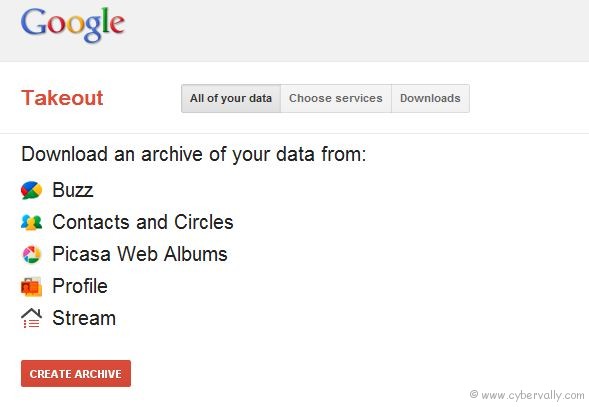
2. You can select all services or select the services from where  you wish to download. It will be shows the number of files along with size of folder.
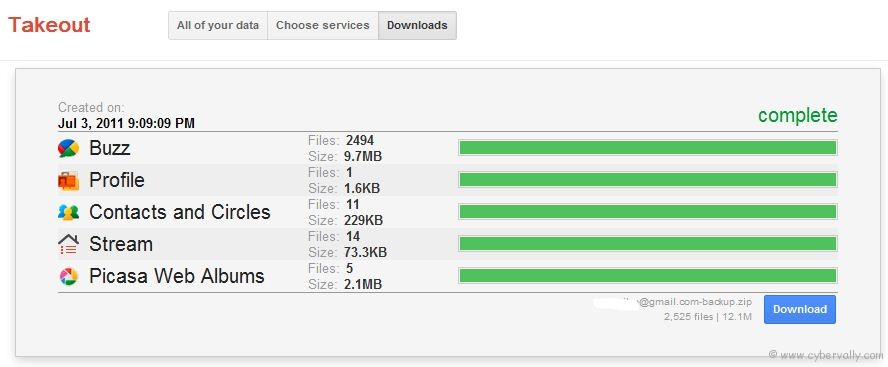
3. After completed download, open the zip file and you see your data for various services in their respective folders.
This is a easy way to backup your data. After you have downloaded all the data from your Google account, you can delete data from your Google account dashboard.



Any option to backup ur mails…
You can use Microsoft outlook or any desktop mail client for import all mails from beginning….