


If you want to organizing any event such as meetings, reunion or party, the better idea is to add event on Facebook and invite peoples and they tell that they are attending the event or not. This will help you to save time and phone calls. Please refer following steps for creating an event.
Steps to Create an Event
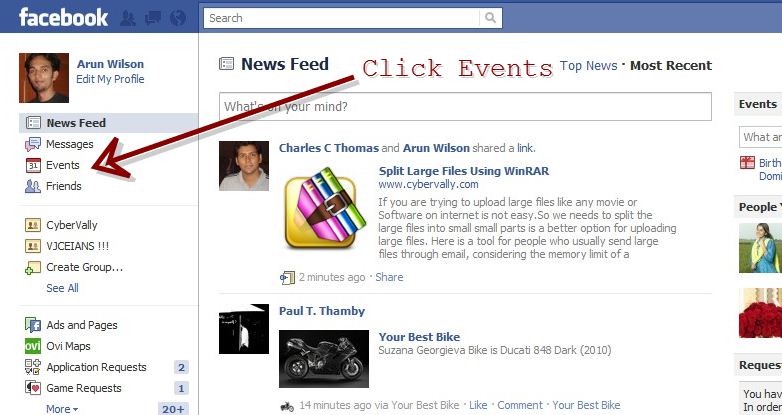
- Click on the events given on the left sidebar.
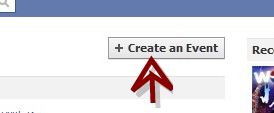
- Click on “Create an Event†button.
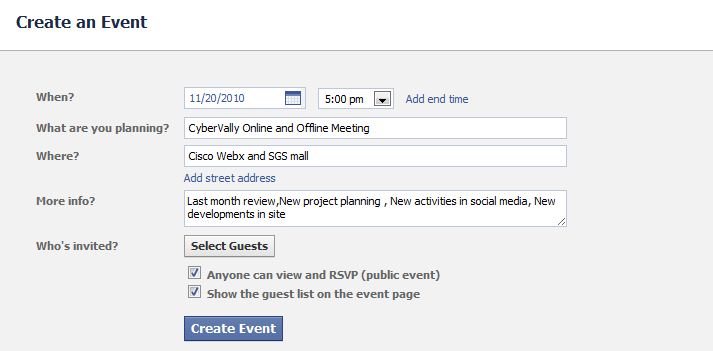
- In create page enter all the details and click on “Create Event†button. Check the box next to Anyone can view and RSVP if the event is public. Click on “Select Guests†button and enter the name of guests of your event.
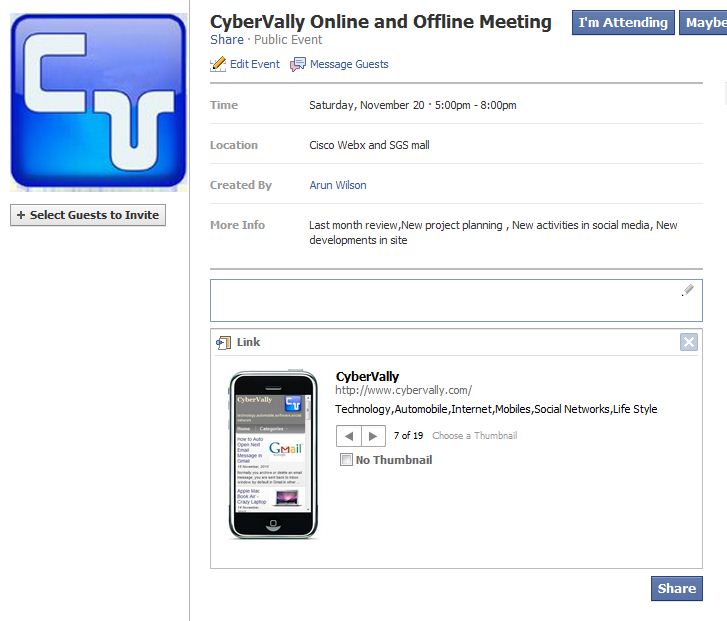
- Event details created now . You can add photo, video or notes to add more information about the event. You can share the event on your wall so that  more people can know about it and join.
- You can check responce from users by visiting the My Events page. Yep , Your event is created and shared.

