


There are many situation when you need to refresh a web site content from time to time. If you are waiting for any important mail to arrive, watching cricket match score online, in all these condition you refresh the page time to time to know the current situation. You need to manually hit your browser’s refresh button or press F5 for refresh. If you want it to be automatic, for Chrome users you can by installing an extension called Auto Refresh Plus.
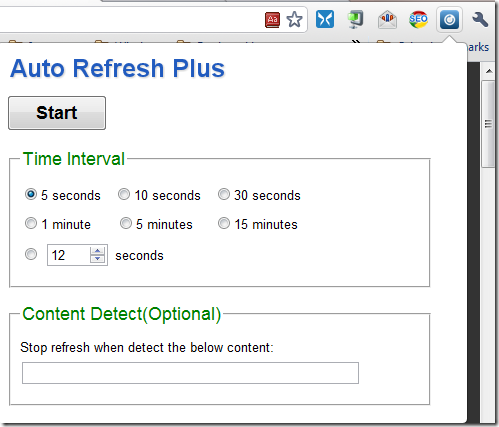
This extension is use to Auto refresh an active webpage in a given time interval. You can set it to refresh multiple tabs or a single tab. After installing the extension an icon will be added at the right side of the address bar. Just click the icon to show the setup box, choose the time interval you prefer then press Start button. The main thing about this extension is it won’t affect any other tabs which are not set to auto refresh.
[Â Download Auto Refresh Plus ]

